Industry Report · Multilingual DTP

DTP Resources for InDesign and Multilingual Layout
Practical guides and insights from day-to-day work in desktop publishing, layout production and multilingual projects. Start with the free tools and references, find quick InDesign fixes in Tips & Tricks, or explore longer reads on multilingual DTP, PDF accessibility and document production in DTP Insights.
Free Tools & References
Interactive Tools
Free Online Tool
DTP Project Brief Generator
Define your project scope before reaching out: file format, target languages, page count, deadline and budget. Generates a ready-to-send brief in under 3 minutes. No signup.
Free Online Tool
Text Expansion Calculator
Estimate text expansion from English into 50 languages: expansion ranges, projected word counts, extra pages and a layout risk band per language. Instant results, no signup.
Free Online Tool
Process Guides
Multilingual DTP Risk Checker
Check layout risks before translation: target languages, text expansion, RTL and CJK scripts, file formats, tables and print requirements. Instant checklist, no signup.
8 Free PDF Guides
Reference
Process Guides for Translation Agencies and Clients
What to send before a job, fonts and scripts, Word files, quotes, text changes, corrections and accessible PDF delivery. Two pages each, accessible PDF/UA-1, free to forward.
A–Z Reference
DTP Glossary — 80 Desktop Publishing, InDesign & Translation Terms Explained
A searchable A–Z reference covering InDesign fundamentals, CAT-tool vocabulary, RTL, print production and PDF accessibility — every term linked to its in-depth guide.
Complete Guide
PDF Accessibility: The Complete Guide
Everything on one page: tags, alt text, reading order, WCAG and PDF/UA, what the law actually requires in the EU, Germany and the US, testing tools, a pre-publish checklist and a full glossary.
Quick Reference
Why Can't You Just Edit an Accessible PDF?
A visual walkthrough of the DTP and remediation pipeline: why a finished, tagged PDF can't be edited directly, and what a correction actually requires.
Kompletter Leitfaden · Deutsch
Barrierefreie PDF-Dokumente: Der komplette Leitfaden
Alles auf einer Seite: Tags, Alternativtexte, Lesereihenfolge, WCAG und PDF/UA, was BFSG und BITV 2.0 tatsächlich verlangen, Prüfwerkzeuge, eine Checkliste vor der Veröffentlichung und ein vollständiges Glossar.DTP Insights

InDesign · Tables
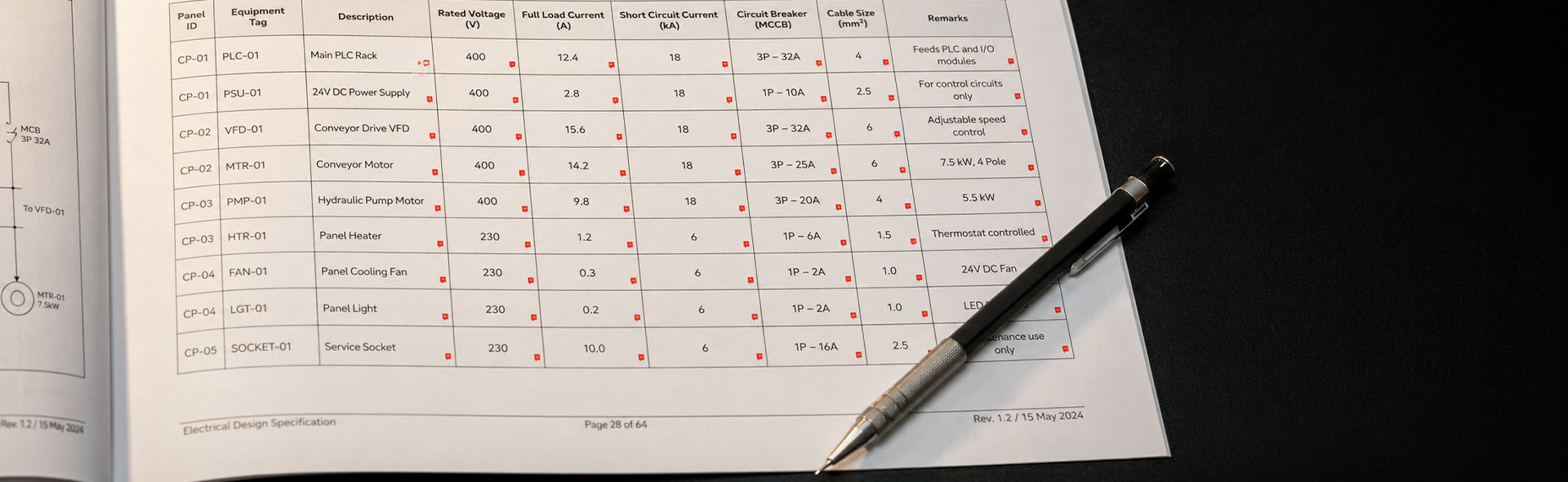
How Do You Fix Tables in InDesign After Translation?
Six failure modes, the correct fix order and a step-by-step repair checklist for multilingual InDesign table layouts.
InDesign · Production Workflow
How Do You Preflight and Package an InDesign File for Translation or Print?
Custom preflight profiles, Package dialogue settings and a priority matrix for triage — the complete handoff guide for translation and print.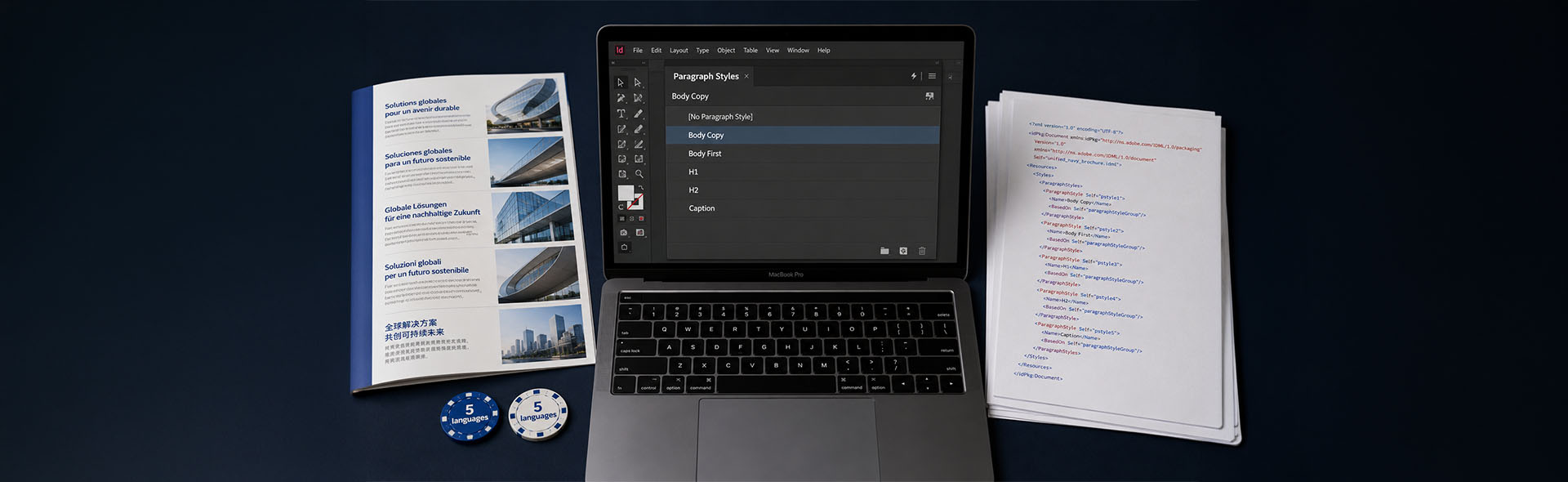
InDesign · Translation Prep
InDesign Paragraph and Character Styles for Translation
Why named styles matter for IDML quality, how to build a translation-ready style architecture and a pre-translation checklist.
Multilingual Layout · RTL
How Do You Set Up InDesign for Right-to-Left Languages Like Arabic and Hebrew?
Document direction, paragraph composer, font selection and a pre-translation checklist for Arabic and Hebrew DTP projects in InDesign.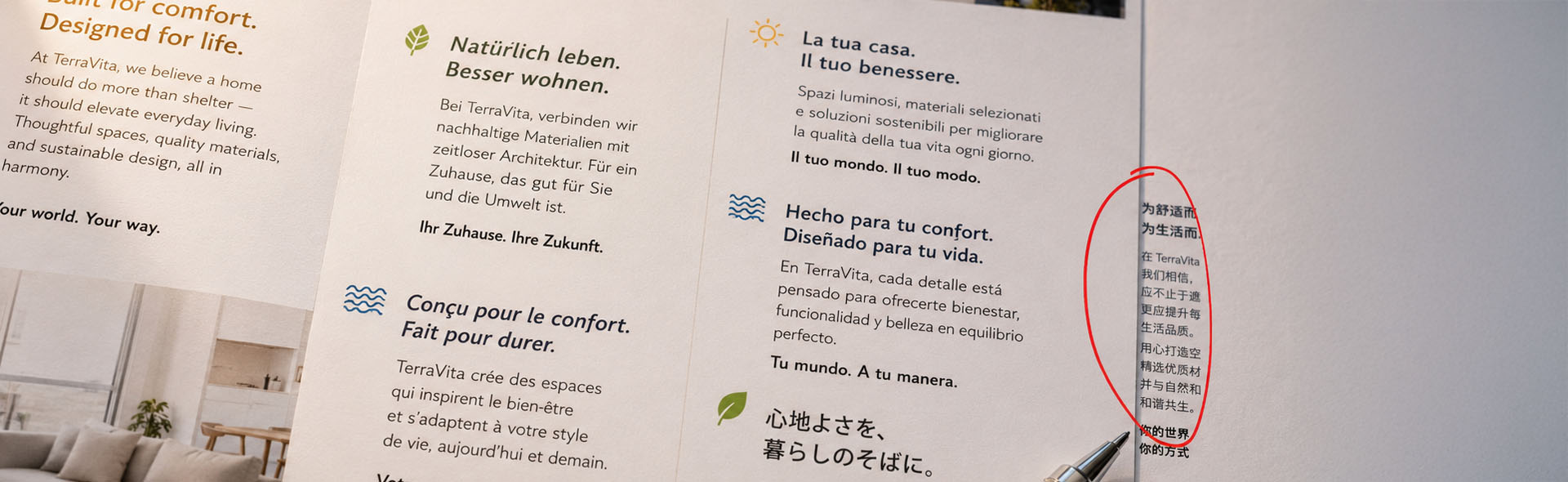
InDesign · Multilingual DTP
What Is Overset Text in InDesign — and How Do You Fix It in a Translated File?
Find every overset frame, fix it in the right order and prevent it from happening next time. A practical guide for multilingual InDesign projects.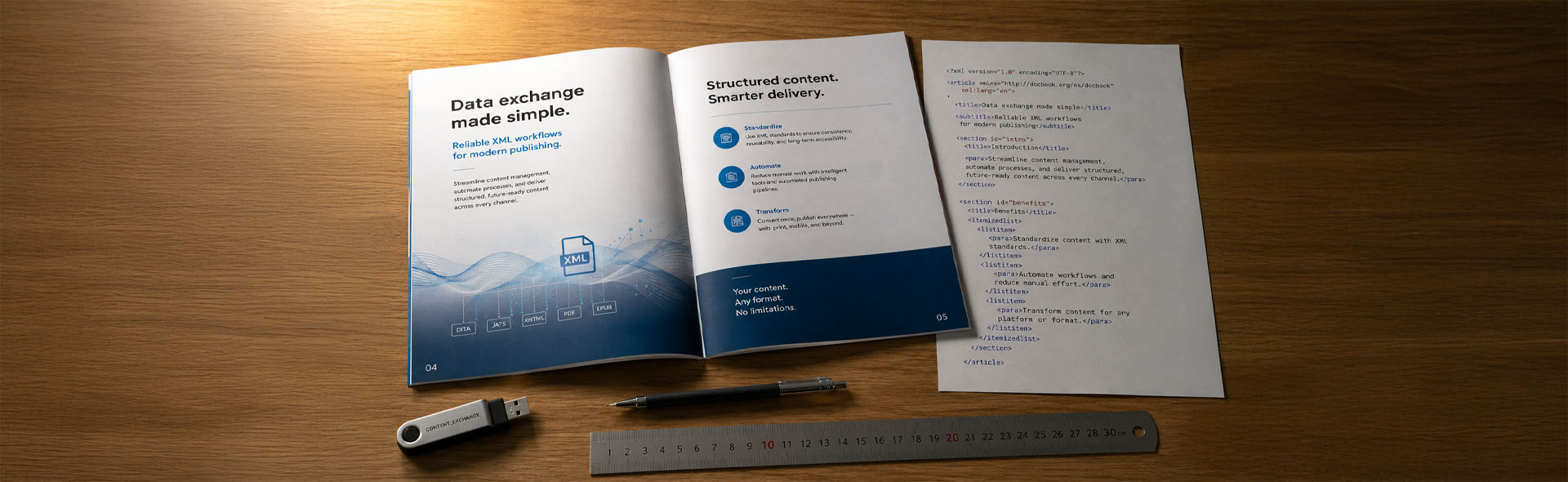
InDesign · Translation Workflow
INDD vs IDML: Which File Should You Send for Translation?
CAT tools can't open INDD. Older InDesign versions can't open newer INDD files. Here's exactly which format to send — and what to include with it.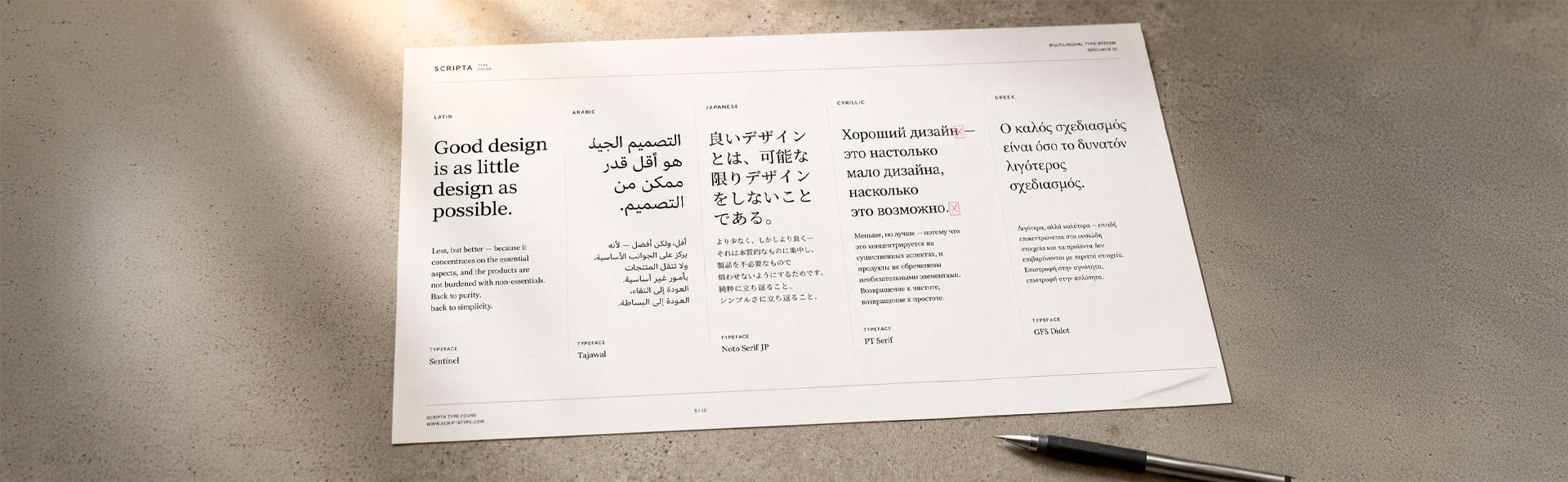
Multilingual DTP · Fonts · Typography
Why Does My Font Break After Translation — and Which Fonts Actually Work for Multilingual Documents?
Most brand fonts fail at least one target language. Learn why fonts break after translation, which scripts they don't support and which font families actually work — with a full coverage matrix.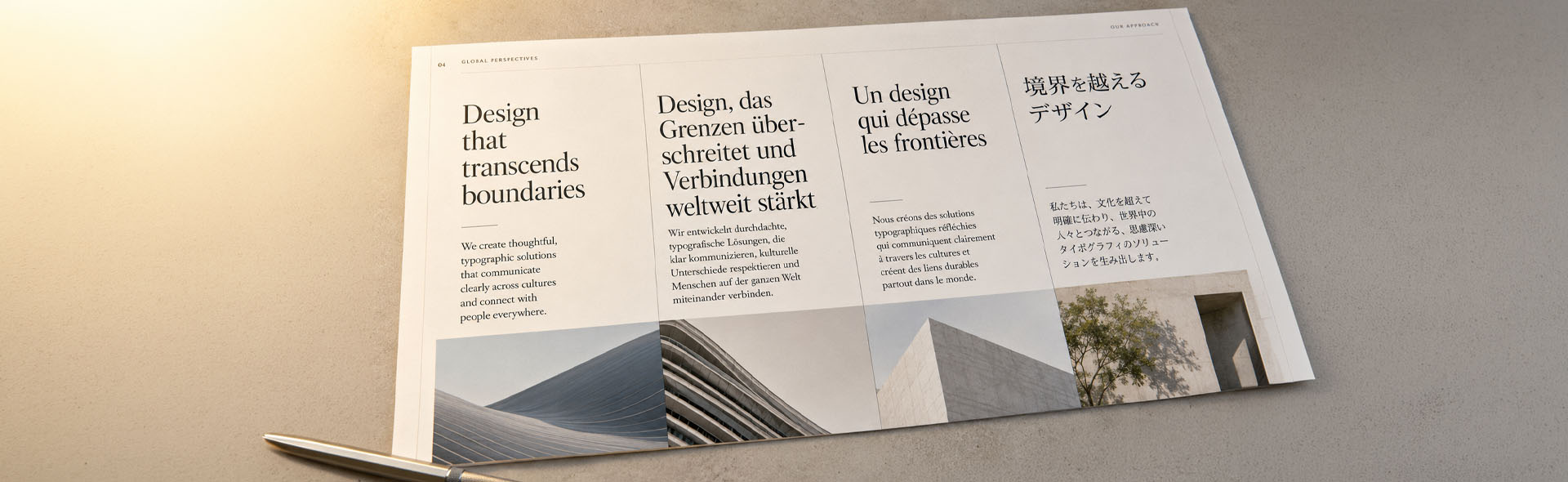
Multilingual DTP · Layout · Typography
How Much Does Text Expand in Translation — and How Do You Design for It?
When you translate from English, text grows — up to 35% in German, 25% in French. Learn the expansion rates by language and how to design your layout for it from day one.
PDF · Translation Workflow
Translating a PDF: Why It Breaks and What to Do Instead
PDF conversion causes broken segments and wrong reading order in CAT tools. A practical guide to choosing the right workflow — from PDF to Word, IDML in Trados, and designing for translation from day one.
InDesign · File Preparation
How to Prepare an InDesign File for Translation — Guide for Designers
Most DTP problems in multilingual projects start before translation even begins. A practical checklist for designers and project managers on preparing InDesign files correctly.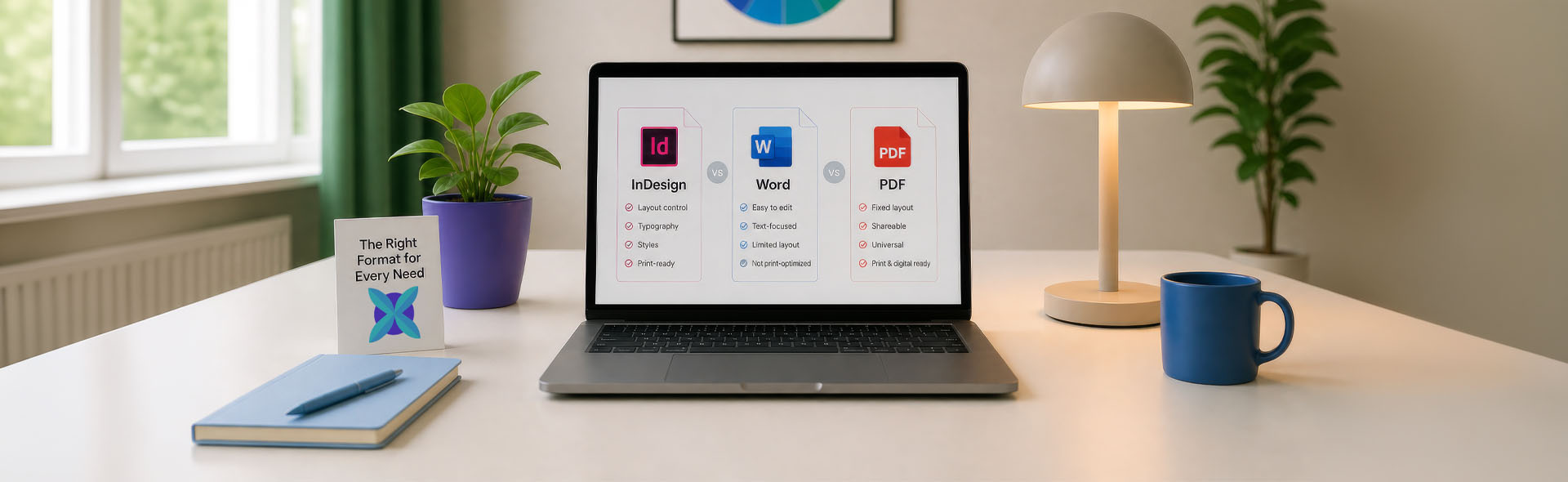
Pricing · File Formats
DTP Rate per Page — How Desktop Publishing Is Priced by File Format
The DTP rate per page depends heavily on the file format. InDesign IDML files start from 4€ per page, while Word and PDF files require assessment. Here is why.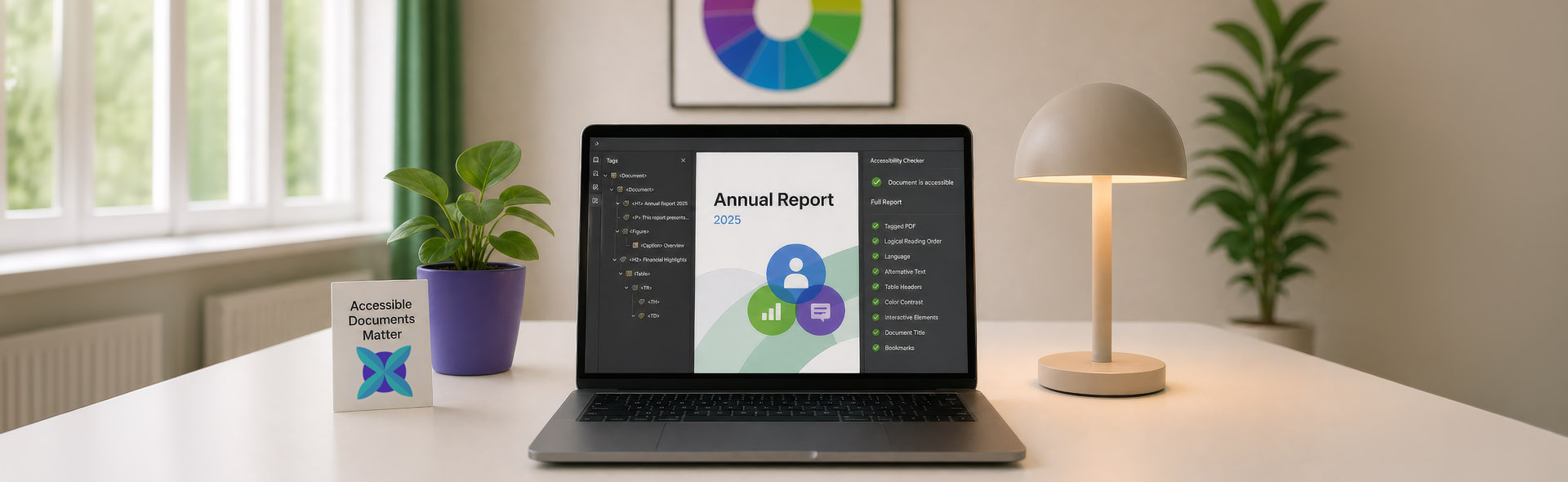
PDF Accessibility · EAA
What's PDF Accessibility Remediation & Why Multilingual Documents Need It Most
With the European Accessibility Act now in force, businesses across Europe are required to ensure their digital documents are accessible to people with disabilities.
Multilingual DTP · Layout
What Is Multilingual DTP and When Do You Need It?
When documents are translated into multiple languages, the text is only half the work. The real challenge begins after translation, when layouts break and fonts no longer fit.Tips & Tricks

InDesign · Quick Fixes
Highly Practical and Quick InDesign Tips & Tricks for Multilingual DTP Projects
Quick fixes for overset text, font substitution, hyphenation, reading order and other everyday issues in multilingual desktop publishing projects.Useful External Resources
A curated selection of platforms, tools and references useful for book publishing, document production and multilingual projects.
New · Directory
LPN — Localization Production Network
Find the specialist. Get the job done. A curated directory of individually reviewed independent freelancers in localization production — DTP, engineering, QA, media, e-learning and more.
Amazon KDP Help Center
Official specs and platform guidelines for self-publishing on Kindle Direct Publishing.
IngramSpark
Global print and digital book distribution — the main alternative to KDP for wider reach.
Reedsy
Publishing marketplace and learning hub with in-depth free guides for authors and publishers.
The Book Designer
Respected resource on book layout, cover design and self-publishing production.
Adobe Fonts
Thousands of professional typefaces for book interiors, covers and multilingual layouts.
RWS (SDL)
Leading translation management and CAT tool platform used by agencies and publishers.
Unsplash
High-quality free photos and images for publishing and design projects. Royalty free.
Pexels
Free stock photos and videos — a strong companion to Unsplash for royalty-free visuals.
Know a resource worth adding to this list?
Suggest a resource